Running a forecast
Forecast a live deal: will it close, on what terms, where it breaks, and whether it holds.
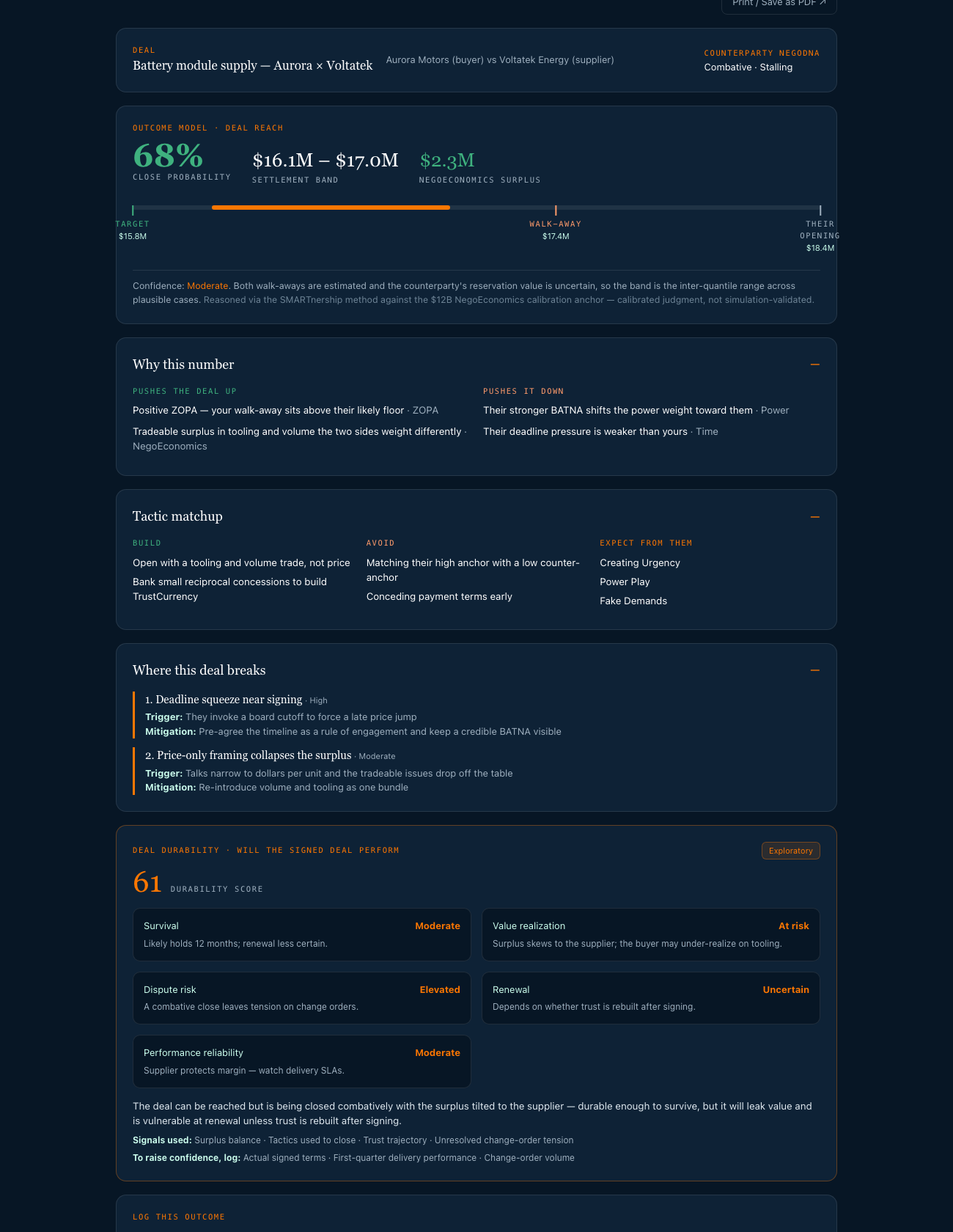
Negotiation Forecast takes one input and returns two linked forecasts: Deal Reach — will this close, on what terms, and where it breaks — and Deal Durability — will the signed deal actually perform. It reasons with the SMARTnership method and the mathematics of bargaining: the zone of agreement, Nash bargaining, asymmetric power, time pressure, and the NegoEconomics surplus.
Filling it in
The form runs in five short steps. None of the fields are compulsory beyond a title and who you're negotiating with — but the more you give it, the tighter the band.
- 1The deal — a title, what it's worth, and the deadline that actually bites.
- 2Your position — your target, your walk-away, and your movable variables. The movable variables matter most: they are where the NegoEconomics surplus is found, so list everything you could trade — price, payment terms, volume, exclusivity, tooling, lead time.
- 3The counterparty — who they are and how they negotiate. Mark whether this is a trusted relationship or a new one; it changes how the forecast reads their behaviour.
- 4Ground it in your suite — attach a contract you analysed or a DealTable briefing (see below).
- 5Documents — upload or paste a term sheet or correspondence. For a PDF contract, run it through the Analyzer first and attach the analysis instead.
What the forecast already knows
The chips above the form show what it is drawing on. Two of them need nothing from you:
- Your Assessment profile — read on every forecast. The tactics it recommends are fitted to how you actually negotiate, and if your style is a poor match for theirs, it says so rather than assuming a neutral negotiator.
- Your team — everyone on your Team board who has completed their Assessment. Where who is in the room changes the outcome, the forecast names the person and the role.
- Counterpart NegoDNA — attach a profile in step 3 and the counterparty's real behavioural read replaces guesswork.
- Analyzer contract — attach an analysis and the band, the surplus and the failure points are grounded in the actual clauses.
- DealTable briefing — attach the joint briefing for the shared read on how the two of you relate.
After the negotiation
Log the outcome at the bottom of the report — whether it closed and at what value. Your track record then appears at the top of the page, including how often the deal settled inside the predicted band. This is the only thing that calibrates the tool to you.
Open Forecast →